

Billing Software for PC

Providing you the simple and efficient billing application for your PC to create professional invoices in seconds, track income & expenses easily. Experience Faster Billing on PC. Download to start a Free Trial!

mood

1 Crore+

Happy Customers

smartphone

Free

Mobile App

play_arrow

Rated 4.7/5

On Google Play Store

devices

Multi-Device

Use together on Mobile/Desktop

group_add

Multi-User

User Management Feature

Why DevEase is the Right Choice for Your Business?

Features
Basic Billing Software

Billing Software

Price
Free
Free
Custom Invoicing
Professional Invoices Themes
Barcode Scanning
GST Calculations & Reports
Multi Payment Modes
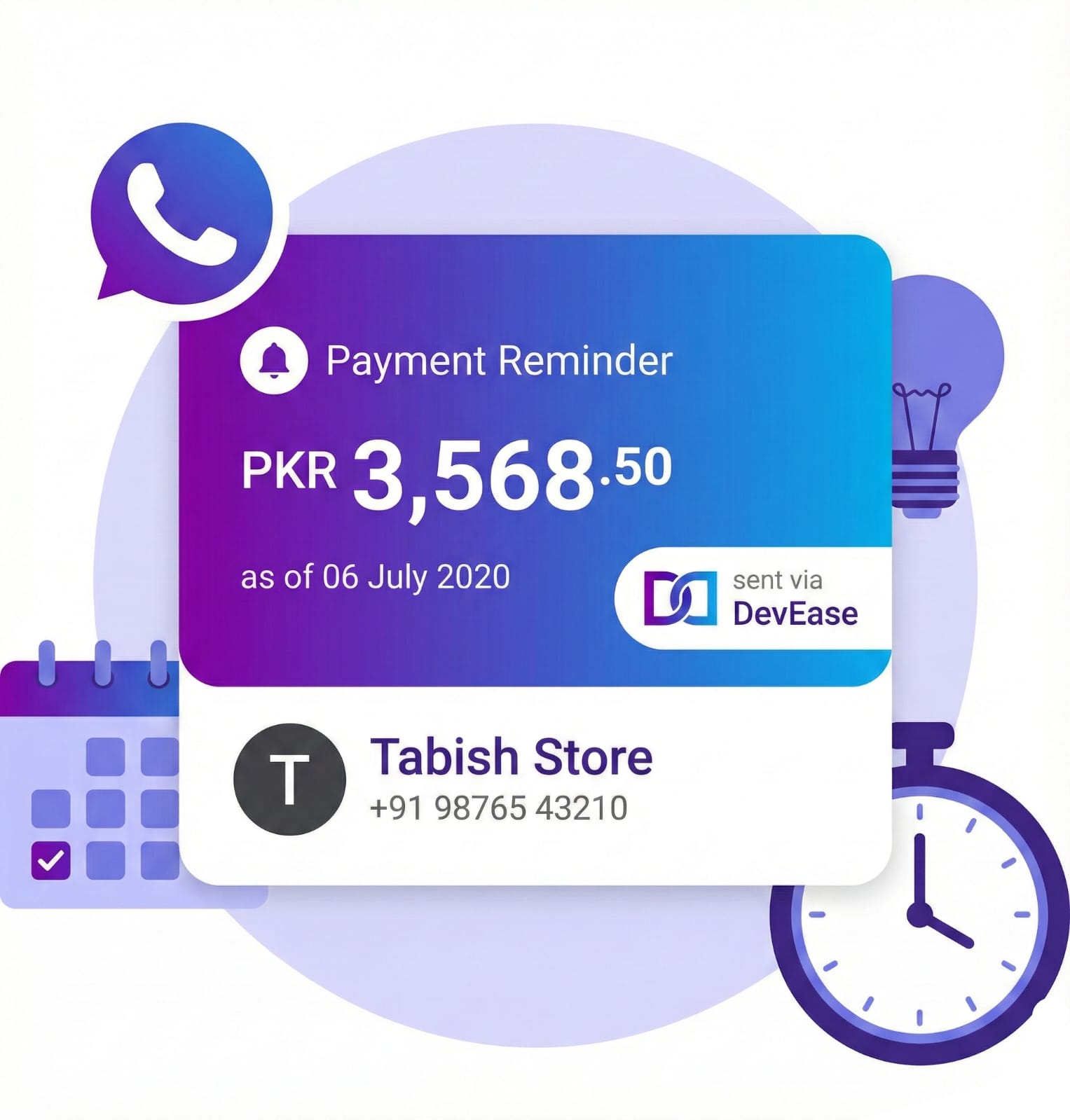
Payment Tracking & Reminders
Client Management
Accounting Integration
Inventory Tracking
Multi-Device Access
Expense Tracking
Real-Time Business Reports
Data Security & Backup

Essential PC Billing Software Features for Pakistani's Business Persons

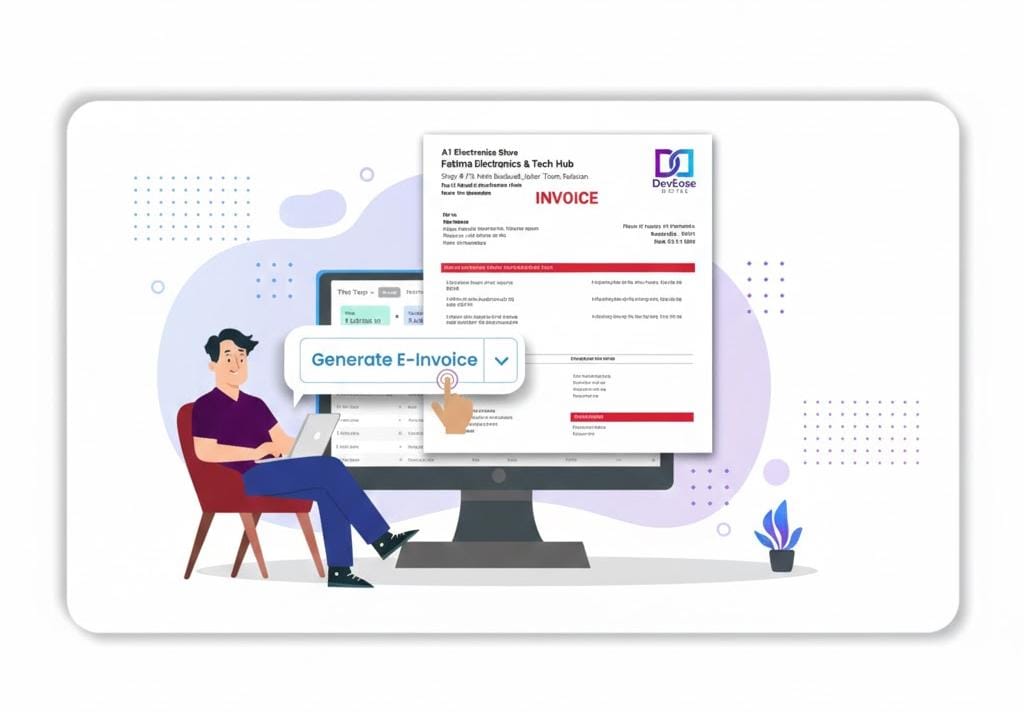
With our powerful invoicing solution, create professional GST and non-GST bills easily on your PC in just a few clicks or within 30 seconds.

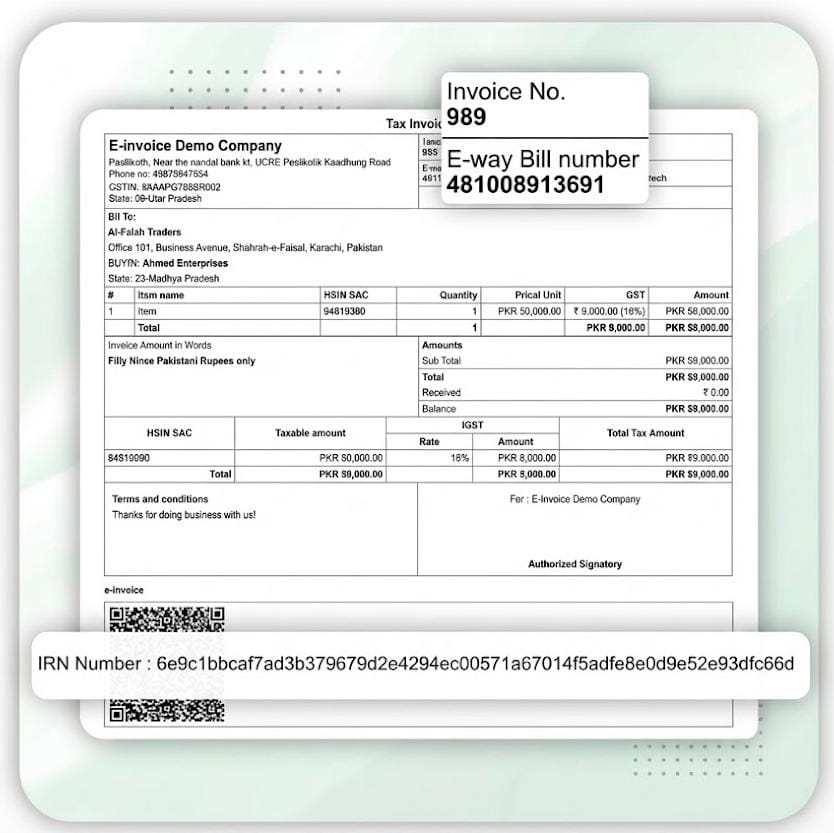
Generate accurate bills with HSN/SAC codes, tax breakdowns, and invoice numbers, ensuring full compliance.

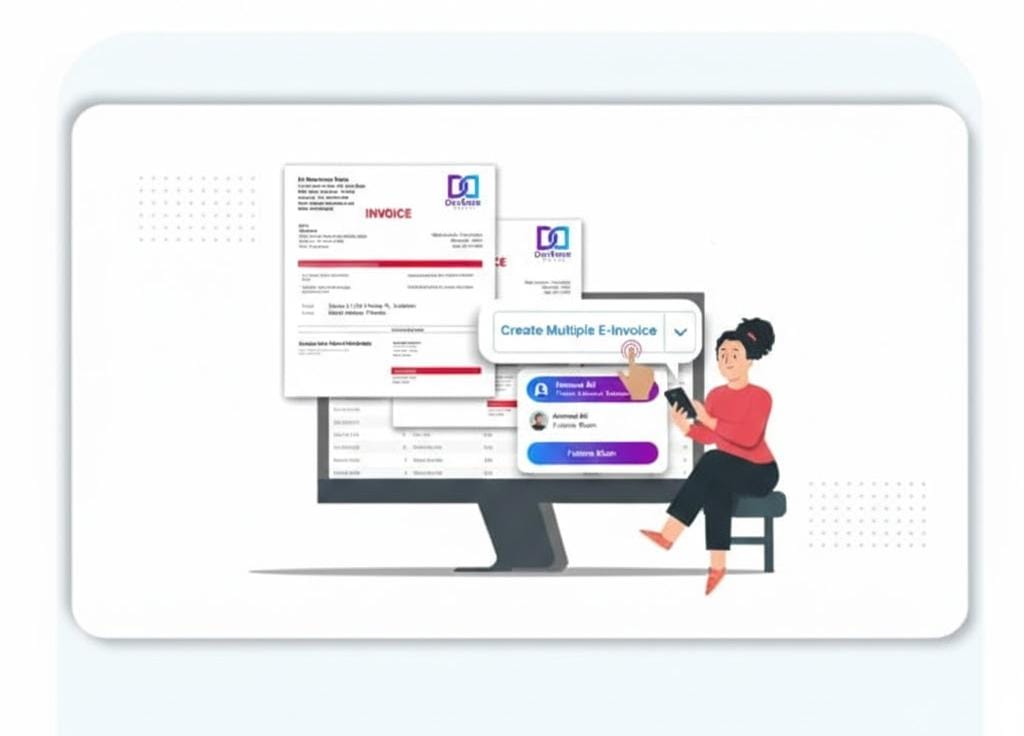
With the integration of barcode-based billing and desktop or laptop keyboard shortcuts, you can quickly enter sale details for quick billing. Suits to create multiple bills at the same time.
 
Bring your brand closer to customers by customizing bills with ready-built templates. You can add your business logo, terms, payment details, and even QR codes directly from your desktop.
 
Help customers pay off with their choice – via cash, UPI, bank transfers, or split payments. The software records all transactions neatly, streamlining cash flow management from your PC.
 

We Focus on Universal Desktop Compatibility & Trust

Works on Windows

  • DevEase Digital works perfectly on all major Windows versions like 7, 8, 10, and 11.
  • It runs smoothly even on low-spec desktop or laptop systems.
  • Regular updates keep it compatible with the latest Windows features.

Works on Mac

  • DevEase Digital is compatible with Mac devices and offers easy installation.
  • All supported feature access ensures smooth usage across macOS versions.
  • Ideal for Mac users who prefer working online with real-time data sync.

Easy Management of All Billing Operations on Your Computer

Offline Billing Capability

By enabling offline billing, Vyapar enables companies to generate invoices without internet access and synchronise them later with ease.

Estimate & Quotation Generation

Before you make a final billing, DevEase enables companies to quickly generate and share estimates and quotations.

E-invoicing & E-Way Bill

Creates GST-compliant e-invoices and e-way bills to guarantee error-free tax filing and transportation.

Multi-User Access

Allows you to give more users role-based access so they can effectively manage reports, inventory, and billing.

OCR Scanner

With OCR tool, save time and effort by quickly scanning and extracting text from documents, such as bills and receipts.

Loyalty Points & Discounts

Offer loyalty points and discounts for regular customers to encourage them to do more business.

Turn Your PC into a Billing Powerhouse with Vyapar Software

Responsive Content Tabs

If the customer needs a hard copy of the bill, then our PC version app supports both Regular and Thermal printers. You can instantly give print and our app provides you with 15 themes for regular printers and 5 themes for thermal printers.
Multiple Business Reports

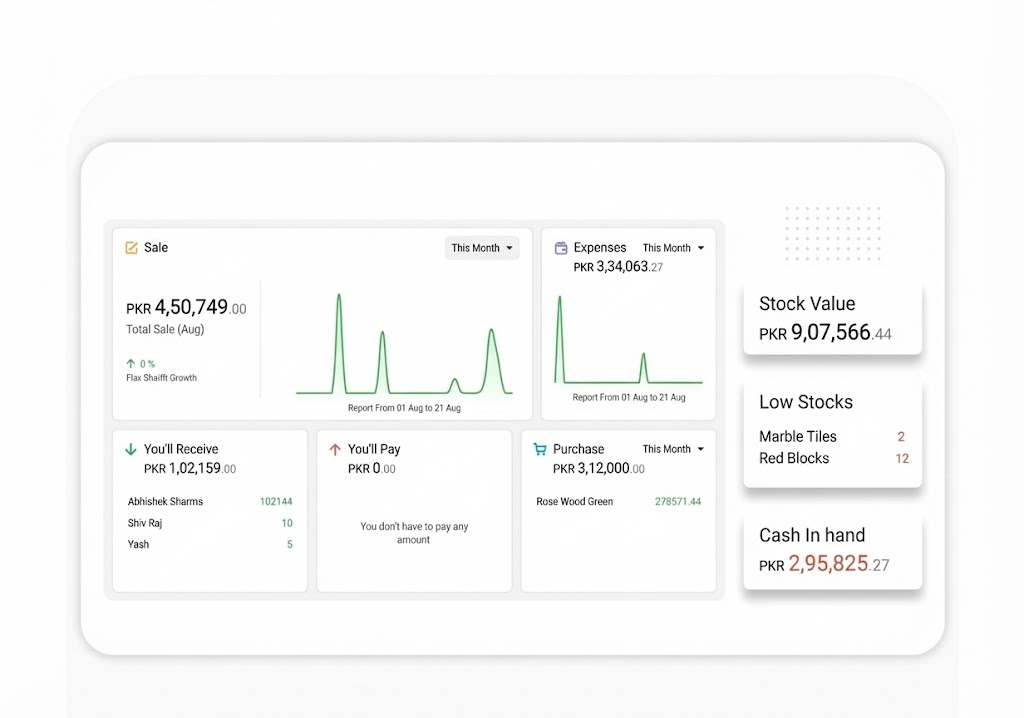
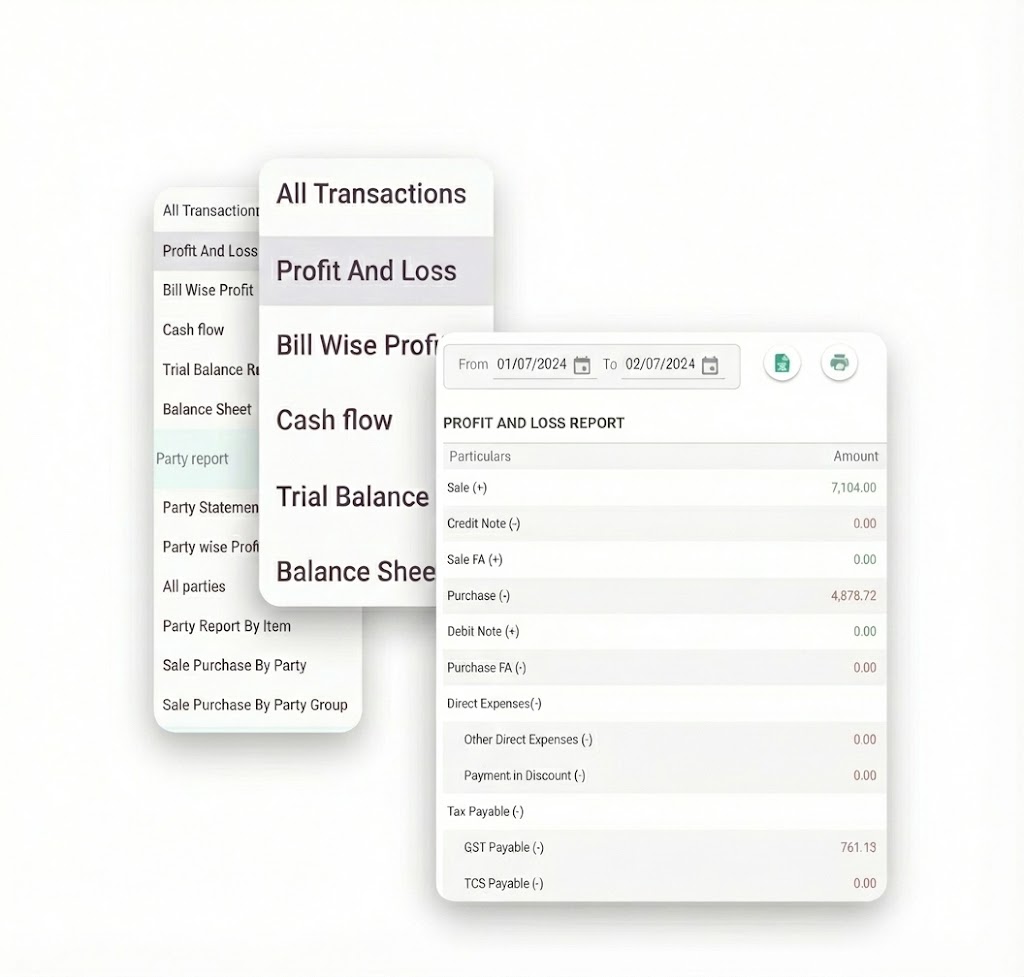
Access comprehensive insights with the DevEase Digital App’s Multiple Business Reports feature. Generate various reports, including sales, expenses, profit & loss, and more. Gain valuable analytics, make informed decisions, and optimize business performance across multiple aspects effortlessly.
Multiple Business Reports

If you are looking for specific fields for your business and you won’t find them, no need to worry, our PC billing software allows you to add custom fields as per your business requirements.
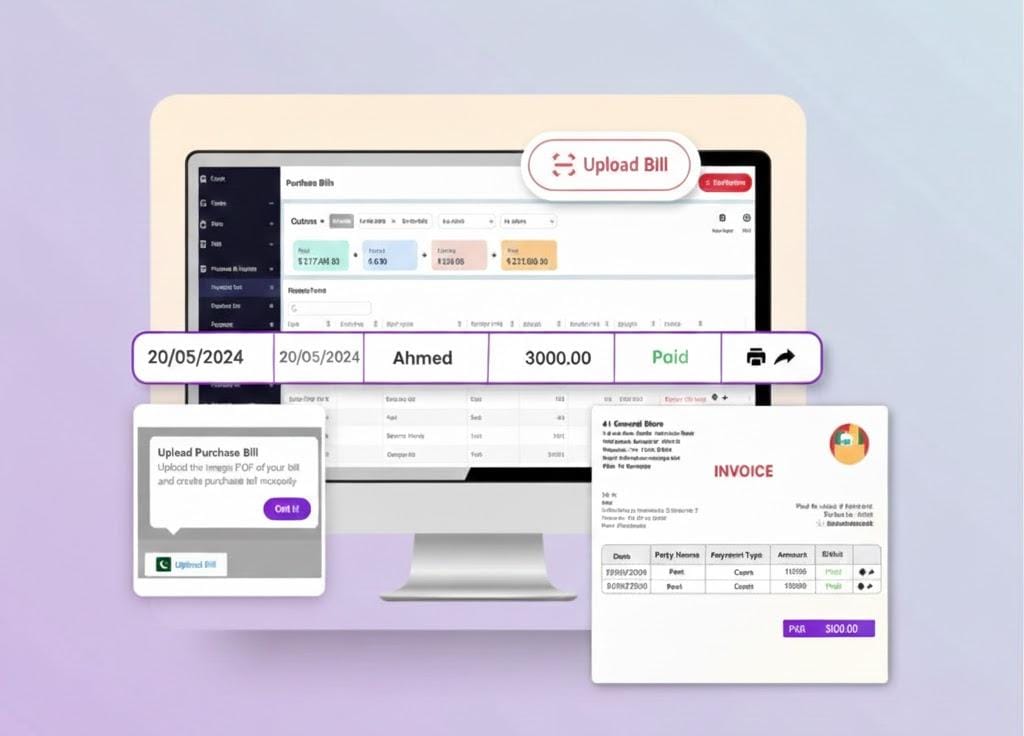
Multiple Business Reports

The multi-device synchronisation feature of our PC billing app allows the devices to sync data effectively. From any location, you can access the data, and it will be updated in real time on various devices. This helps you to increase flexibility, productivity, and teamwork while maintaining businesses in multiple locations.
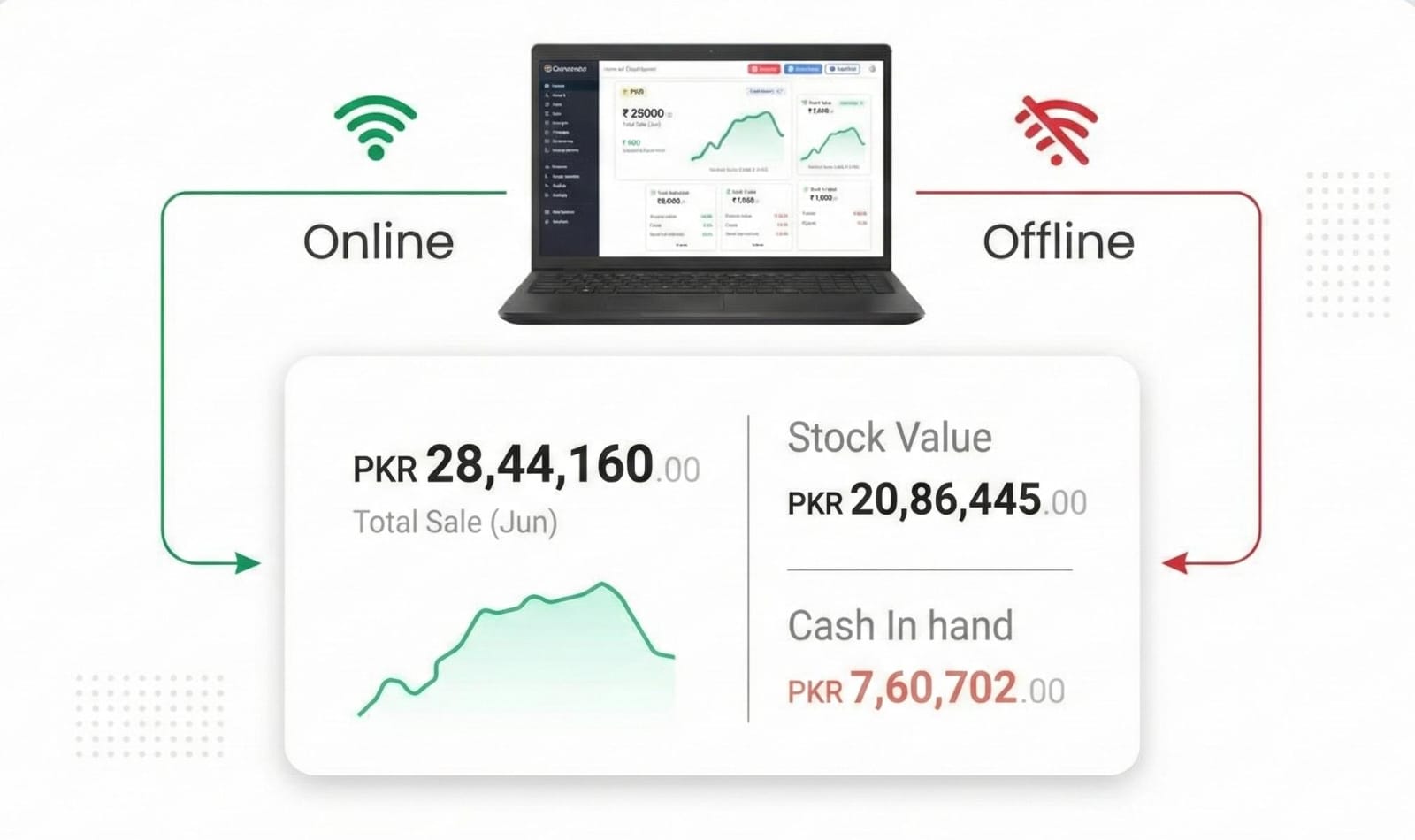
Multiple Business Reports

By logging in with your WhatsApp number on the DevEase desktop billing app, you can send customers personalised invoices, estimates, and payment reminders. With this feature you can improve customer communication and build strong customer relationships.
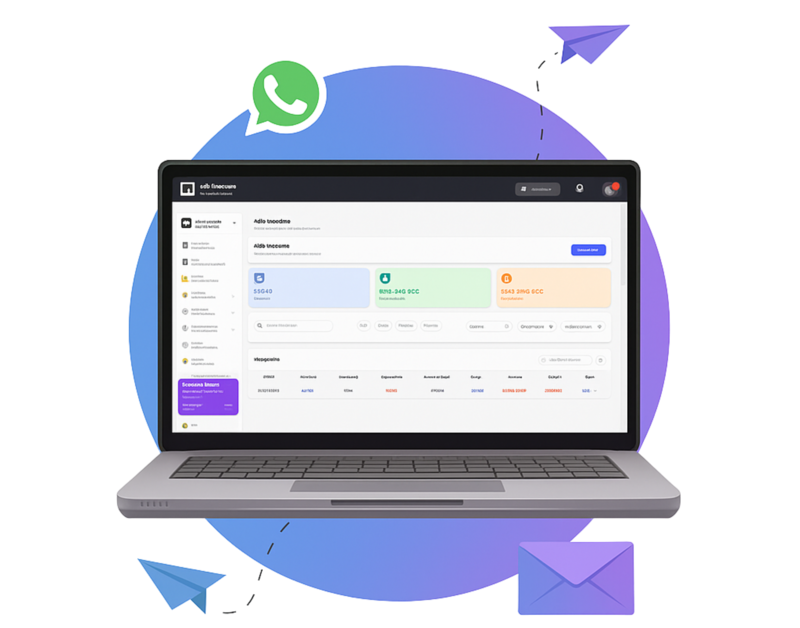
Multiple Business Reports

Our application simplifies financial management by giving you full control over cash, bank accounts, cheques, and loans. It enables seamless tracking of transactions, real-time updates, and accurate record-keeping. It even lets you record loan transactions and repayments.
Multiple Business Reports

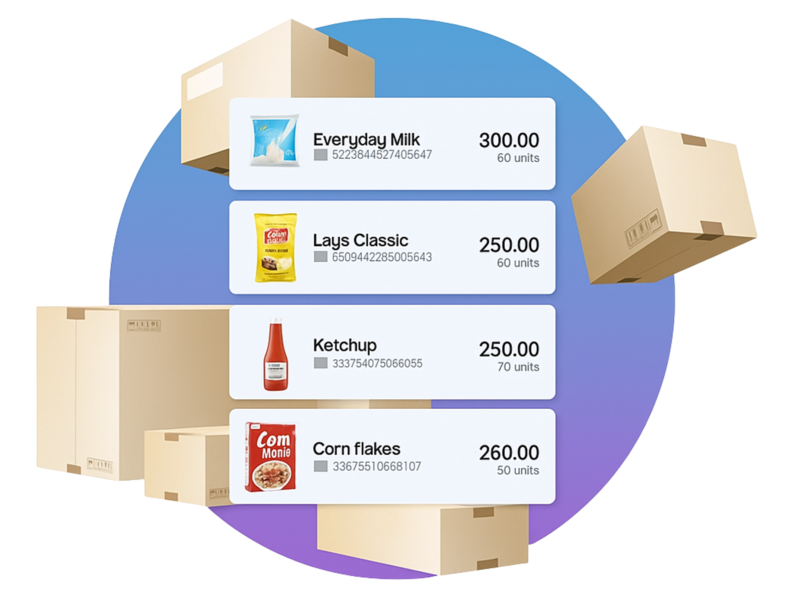
Efficiently manage stock movements, FIFO, expiry, and near-expiry products with our billing app for PC. Streamline inventory by tracking dump stock and high/low performers. Set reorder points to ensure inventory stays updated and optimize operations seamlessly.
Multiple Business Reports

Efficiently manage orders with DevEase App’s Order Management feature. Streamline the entire order process from creation to fulfillment, ensuring accuracy and customer satisfaction for your business.
Multiple Business Reports

Expand your reach with Computer Billing Software’s Online Store integration. Seamlessly set up and manage your digital storefront, reaching customers beyond borders. Enhance your online presence, boost sales, and grow your business effortlessly in the digital marketplace.

Multiple Business Reports

Flexible Pricing for Every Stage of Your
Business

We offers plans that match your needs. Pay only for the plan that helps you grow.

Free (Mobile)

₹0/month

Perfect for getting started

  • Audit Trial
  • GSTR Reports
  • Expense Tracking
  • 1 Firm/Organisation
  • Invoice & Bill Creation

Silver Plan

₹283/month

Billed annually + GST@18%

Great for small Stores

  • Everything in Free plan
  • 3 Firm/Business
  • Multi Device Sync
  • Fixed Assets
  • WhatsApp Integration
  • Billwise Profit/Loss Reports
  • Add Custom Fields for Items

Platinum Plan

₹833/month

Billed annually + GST@18%

Popular for large businesses

  • Everything in Gold plan
  • Add Unlimited Businesses
  • Party Management
  • Comprehensive Reports
  • Marketing Tool Access
  • Import/Export Data (Tally)
  • Priority Customer Support

Best Accounting Management

By automating expense tracking, producing financial reports, controlling GST, and streamlining cash flow, Vyapar provides the best accounting management, assisting businesses in maintaining compliance and financial organisation.

Track Your Stock Easily

Your inventory and billing are directly connected with Vyapar. Your stock levels are automatically updated each time you create an invoice. This implies that you are aware of your best-selling items in real-time and receive low-stock alerts.

Your Business Command Center

Billing manages incoming funds, but understanding outgoing funds is the key to real financial clarity. Every business expense, from minor chai bills to significant supplier payments, can be tracked with Vyapar.

Check Business Health in Real Time

Consider the Vyapar desktop app as your business dashboard rather than just another application just to generating an invoice. You can quickly view your bank balances, cash-on-hand, total sales, and expenses.

Manage Your Business Relationship

You can manage all of your “parties” in one location with Vyapar, including suppliers and customers. To make sure nothing ever gets lost, you can view the entire transaction history, keep track of who owes you money, and see what you owe other people.

Do Smart Marketing

By sending festive greetings, customised offers, and targeted campaigns via Smart Ad Connect on WhatsApp, Vyapar’s marketing tool helps businesses increase sales and improve customer engagement.

Looking for the Best Billing App for Your PC! Try Devease Now!

Frequently Asked Questions
(FAQs’)

What is billing software for PC?

Billing software for PCs is a computer program designed to streamline the billing and invoicing process for businesses. It helps generate invoices, track payments, and manage financial transactions.

Why do I need billing software for my PC?

Billing software simplifies and automates the invoicing process, reduces errors, saves time, and provides better financial overview for businesses of all sizes.

What features can I access using billing software for PC offline?

With DevEase Digital billing software for PC offline use, you can access the following features:

GST Compliance Billing, automated billing, reports, printing and sharing, customizable billing templates, barcode scanning, cash flow management, data backup on the local drive, client management, expense management, sales and purchase orders.

Can I use DevEase Digital as a lifetime free billing software for offline use?

Yes, DevEase Digital offers you lifetime free billing software for your offline usage if you go for the mobile version of the app. If you want to enjoy premium features, you will get them at a very affordable price.

Does the software support multiple payment methods?

DevEase Digital software accommodates various payment methods, including credit cards, cash, checks, and digital wallets.

What key features can I expect from DevEase Digital-integrated billing software for PC?

It offers many useful features such as invoice generation, expense tracking, payment reminders, comprehensive reporting, tax calculations, and customer management.

Is the DevEase Digital-integrated billing software compatible with Windows PCs?

Yes, DevEase Digital software is fully compatible with the Windows operating system running on your PC.

Is there a mobile app or web access for remote billing management with DevEase Digital integration?

DevEase Digital software offers a mobile app that allows you to manage billing and invoicing remotely, which complements DevEase Digital’s functionality.

Which is the best free billing software for PC?

The billing software by DevEase Digital is the best. It is best suited to manage billing requirements for a business. The best part is that the app offers customers a 7-day free trial with no restrictions. So, before making a payment for the software, businesses can try out the app’s features. It will ensure that the app is useful for their business. All of it makes DevEase Digital the best choice among free billing software available in Pakistan.

How to create a bill on a PC?

Creating a bill in simple billing software for PC is an easy process. Here are the steps involved:

  1. Open the Software or App

  2. Go to the Sales Section

  3. Create a New Sale

  4. Add Customer Details

  5. Add Products or Services

  6. Apply Discounts or Taxes

  7. Review the Bill

  8. Share the Bill and Receive Payment

Can you prepare a bill on the computer?

Yes, you can generate a bill using our computer billing software. You can customize your invoice and choose built-in templates that suit your business needs.

Can we make a bill in Excel?

Yes, with DevEase Digital’s billing application for PC, you can export or download the invoice in Excel freely.

How much does a computer bill cost?

To generate unlimited bills using the DevEase Digital PC billing software costs you PKR 283, and you can access multiple features to manage your business effectively. In the desktop trial version, you can create at zero cost.

How Useful is Devease for Your Business?

Click on a star to rate it!